

Disassembly Order Tutorial
Last modified on 2025-11-07
Splitting order
Usage Scenarios: If products are returned due to poor sales and quality problems, they need to be fragmented into multiple parts for replacement and repair; or due to insufficient inventory for some finished product, parts from other products need to be fragmented for temporary replenishment.
Function Introduction: Support to issue splitting orders, and split a product into multiple products.
Note: Splitting Orders belong to a service subscription product, and need to be purchased before the usage.
Add Splitting Orders
Operation Path: click on the [more]- [assembly]- [assembly]
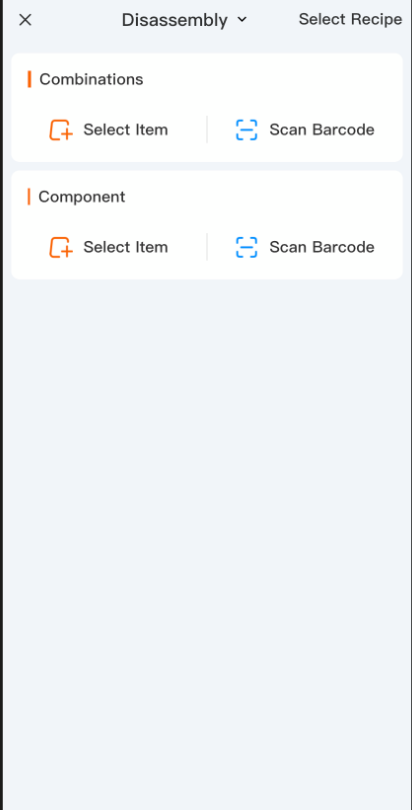
- Select the splitter and the date at the bottom of the page;
- Enter the information of combined products, and only a single product can be selected;
- Select the information of sub-products, and multiple products can be selected;
- Enter the splitting fees and select the settlement account;
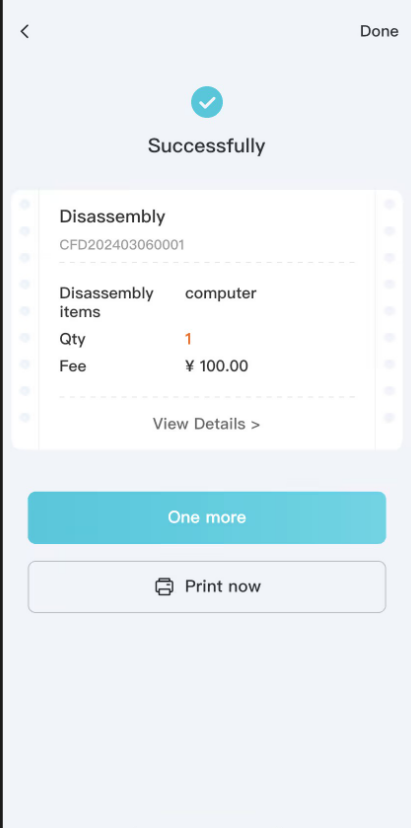
- Click to Save.
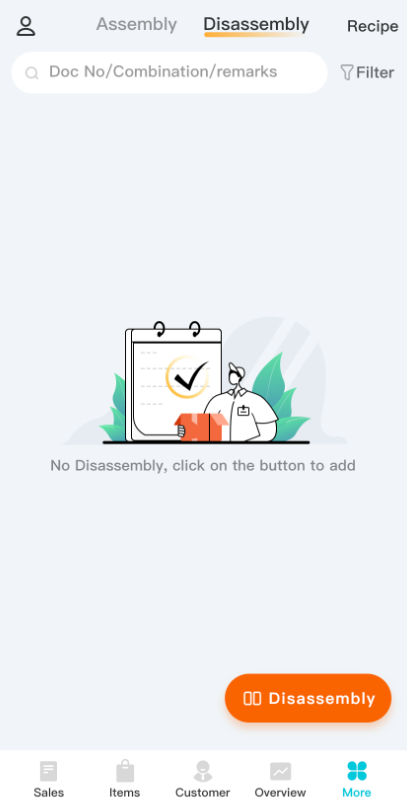
Note:
- After the splitting order, the quantity of splitting pieces will decrease and that of sub-pieces will increase.
- Total cost amounts of sub-pieces = amounts of combined products + splitting fees;
- Sub-piece cost sharing rule: the difference will be apportioned and accumulated to the amounts of sub-pieces in accordance with the proportion of sub-piece amounts to the current total amounts, and then back-calculate the sub-piece unit cost.
- Change the quantity of combined products, and the quantity of sub-pieces will be changed at equal proportion.
- Modify/delete the quantity of sub-piece products, and the formulation correlation will disappear. Then go to change the quantity of combined products, that of sub-piece products will not be changed at equal proportion.