Customers’ Points Adjustment
Last modified on 2025-11-07
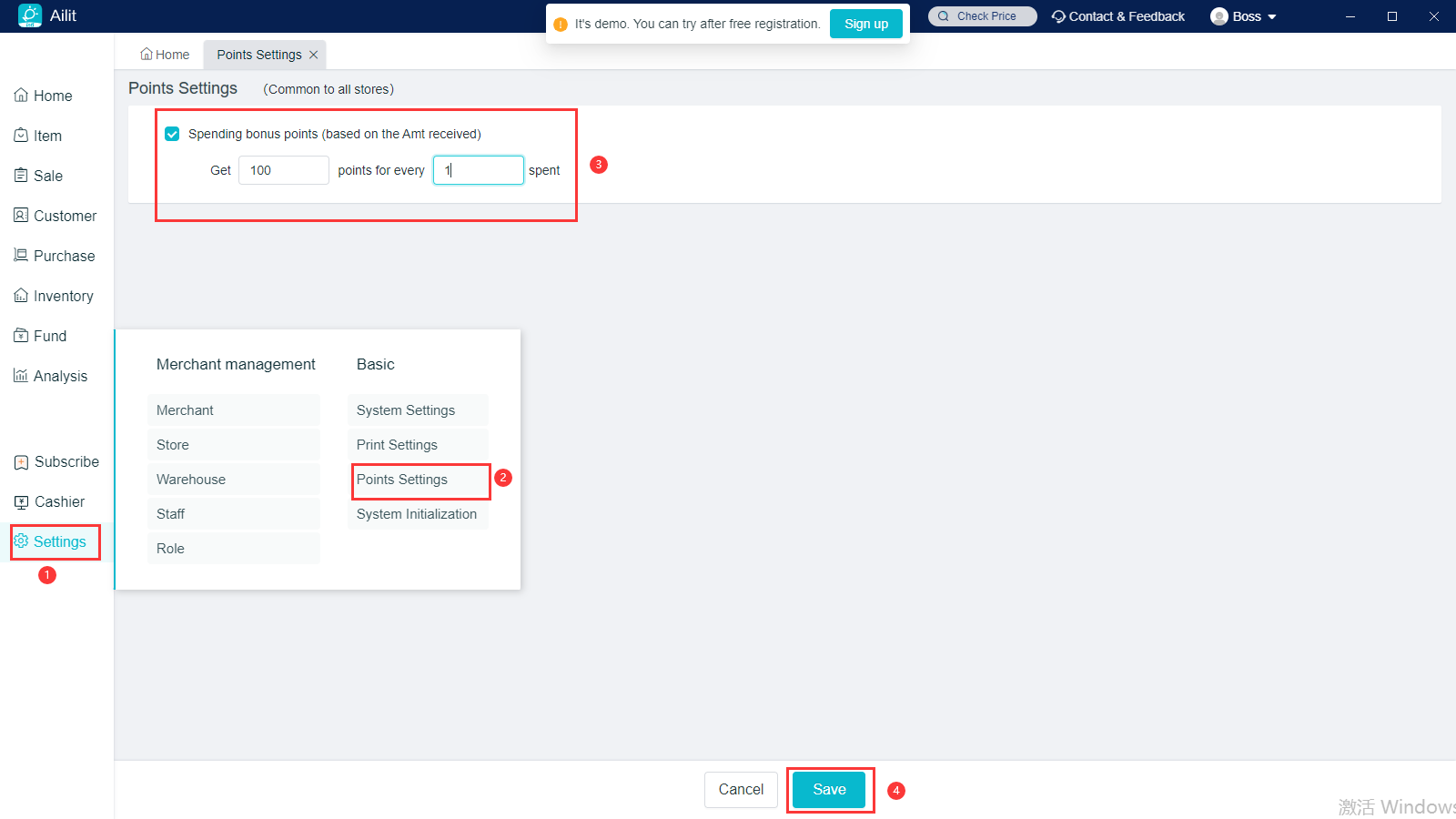
First set point rules
Operation path: Settings - Points Settings.Check on “Spend to Get Points”, then set the point rules to save.
-
Points will be automatically given to customers after the billing and collection, and points will not be given for the sales tickets with no collection.
-
Points can only be given for the paid amounts of the while order, can not be separately set for some product.
Then adjust costomers's points
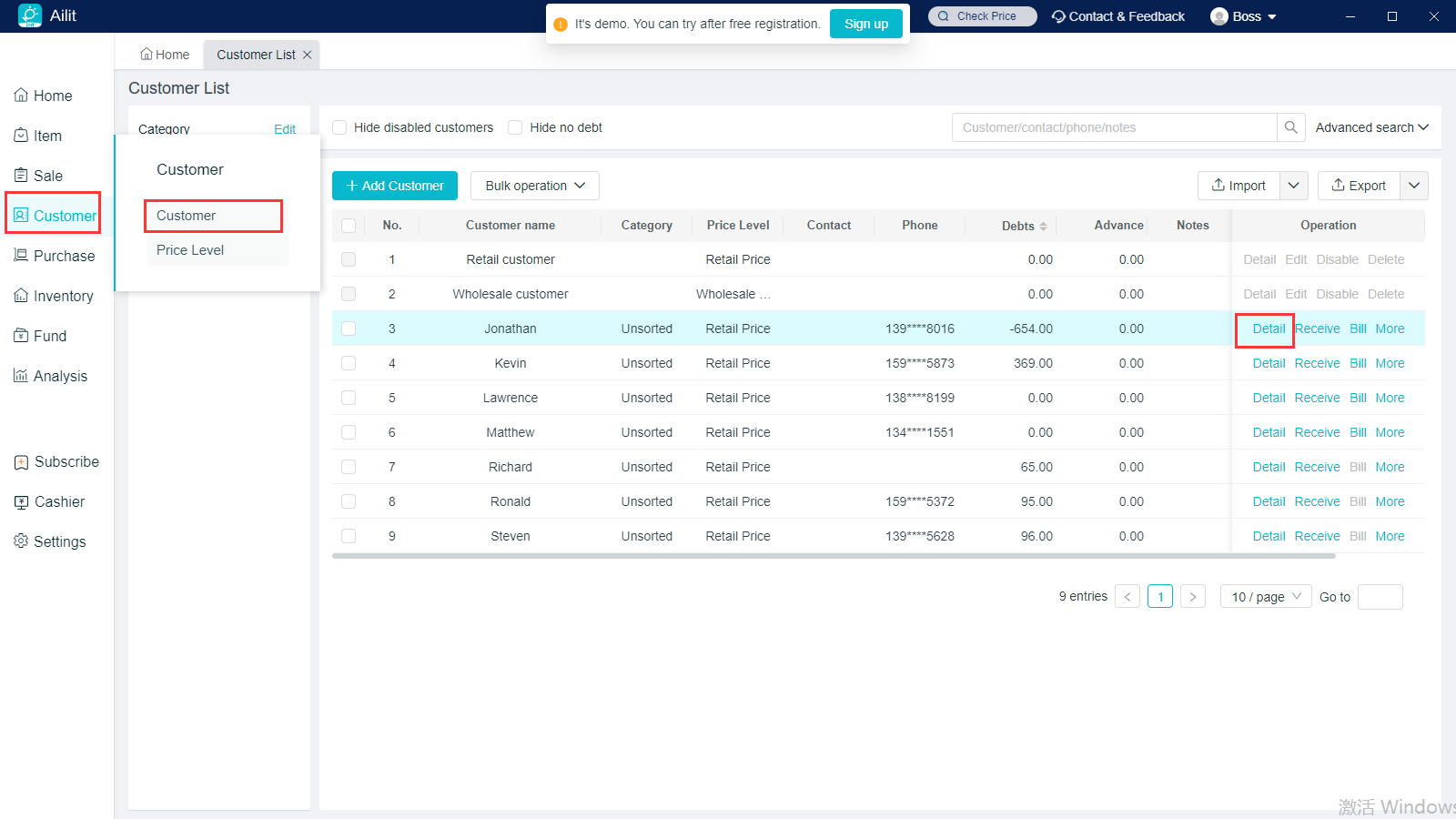
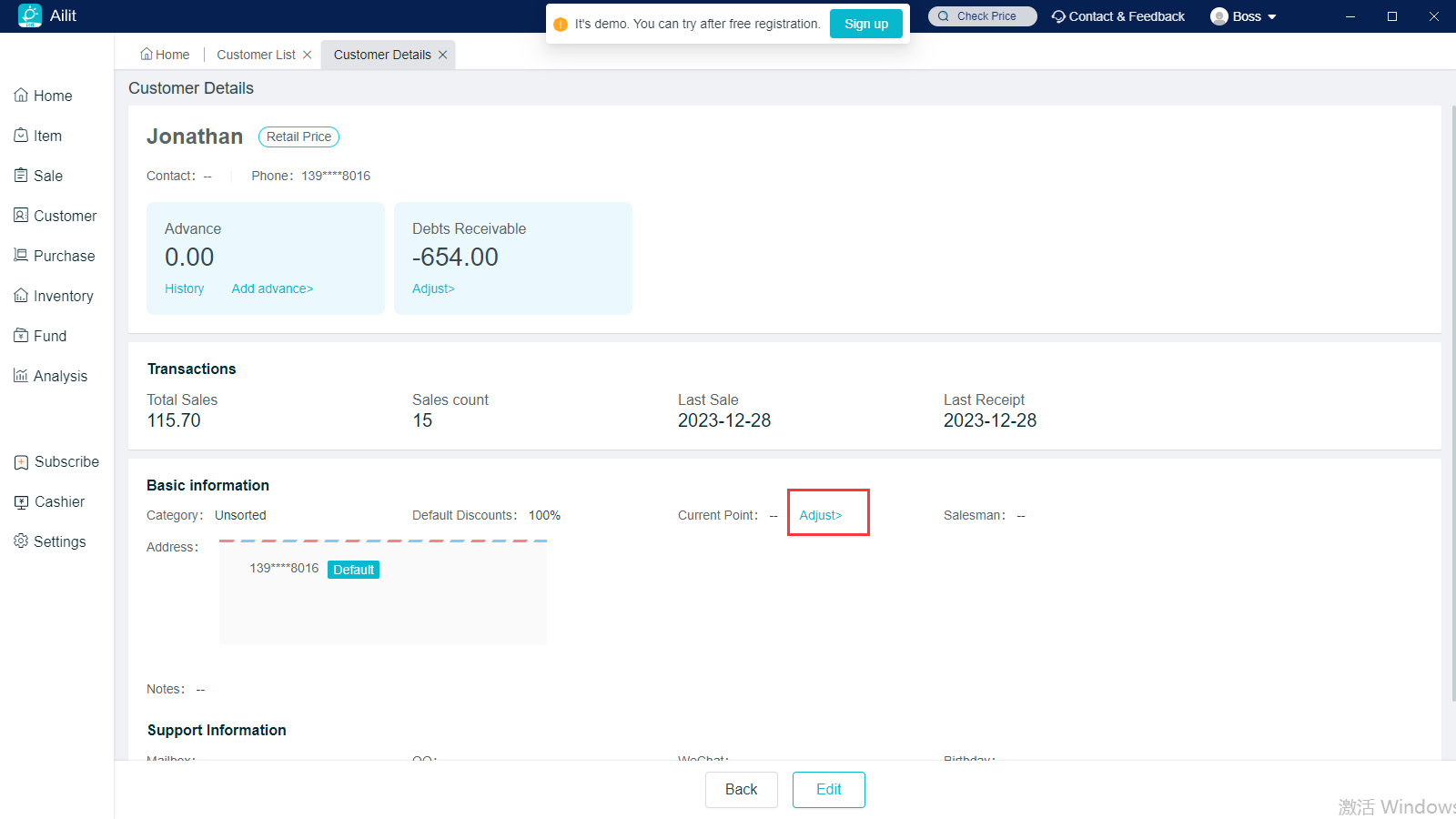
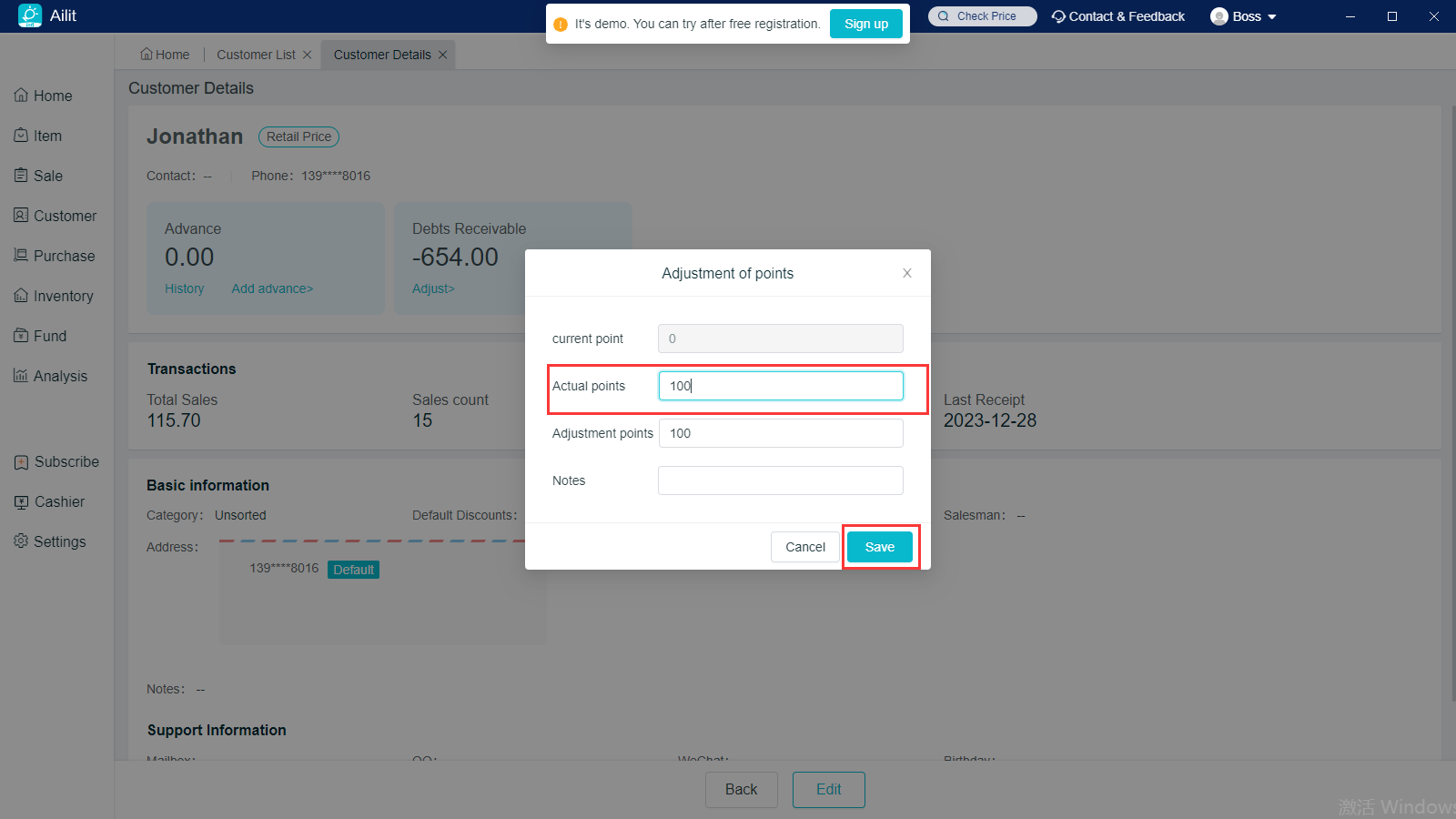
Operation Path: Navigate Customers on the left - Customers - click on [Detail] behind the corresponding customer - Current Points - Go to Adjust, enter the actual points to save.