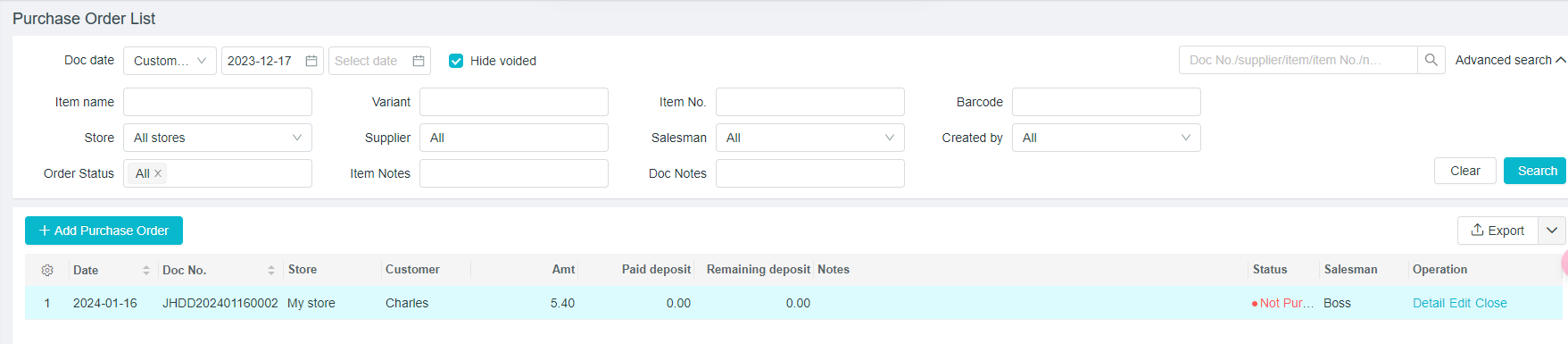
Tutorial for Purchase Order List
Last modified on 2025-11-06
Purchase order List
Path:[Purchase] - [Purchase Order]
Detail/Edit/Close Purchase Orders
Path: [Purchase] - [Purchase Order]
-
A specific document can be checked by filtering the document date, supplier name, document number and product name.
-
Operate through [Detail], [Edit] and [Close] on the right of the corresponding documents
- Detail: Click to view the specific information
- Edit:The error information in the documents needs to be adjusted and modified
- Close:The purchase order, if closed, cannot be transferred into the purchase list.This is equivalent to canceling the document.
- Check whether to "Hide voided".