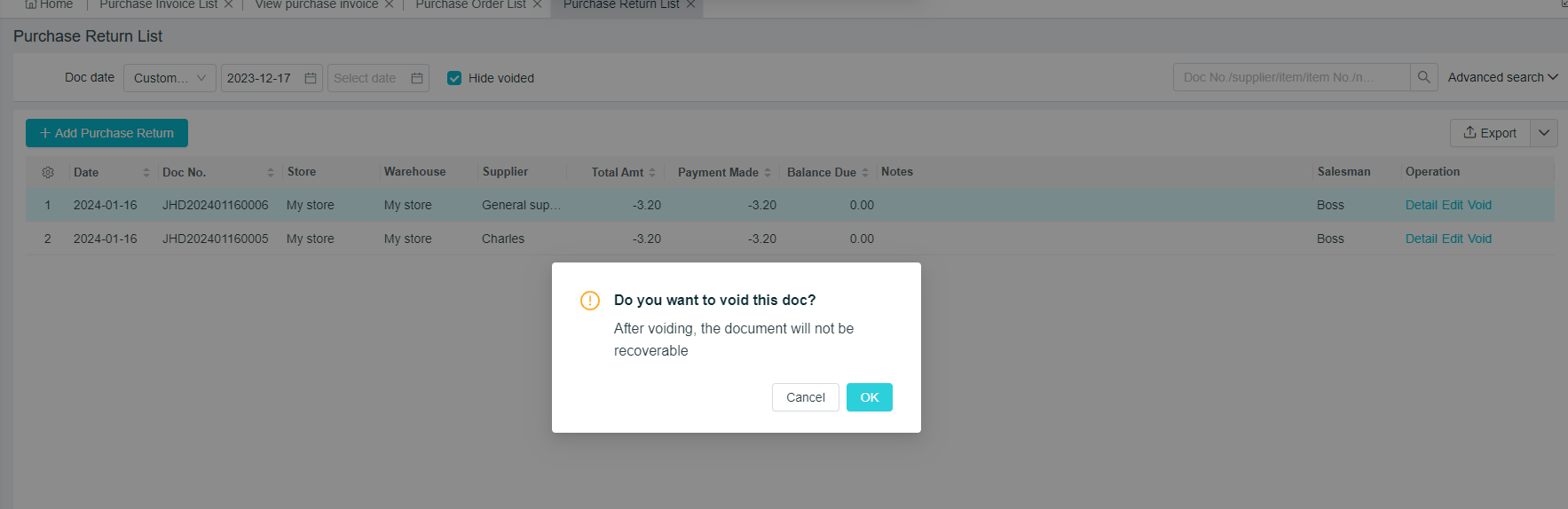
Purchase and Returns: Add and Void
Last modified on 2025-11-06
Purchase Returns
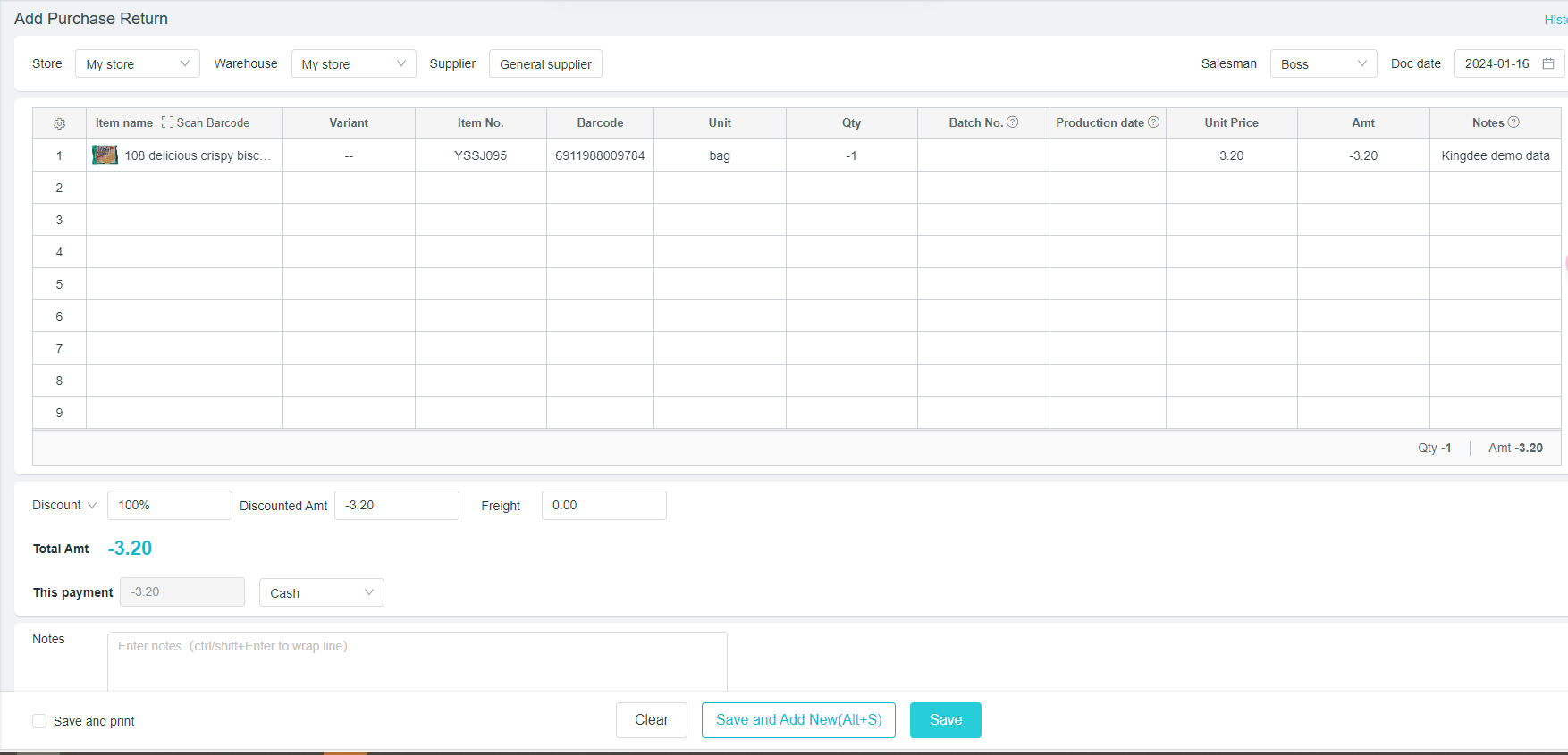
Path: [Purchase] - [Purchase Returns]
- Select the supplier name, and click on "+" to directly add suppliers
- Select the returned products, which can be added through scanning the code, or clicking on the blank space of the product name with the mouse
- Add the quantity of returned products, a negative number will be shown; If the corresponding payment amount is negative, that is, the other party will return money to our account
- Click on "Save" to save the document; click on "Save and Add" to continue issuing the return order
Void of Purchase and Return Orders
Path:[Purchase] - [Purchase Returns] - [History]
Find the corresponding document to perform related operations on the documents.
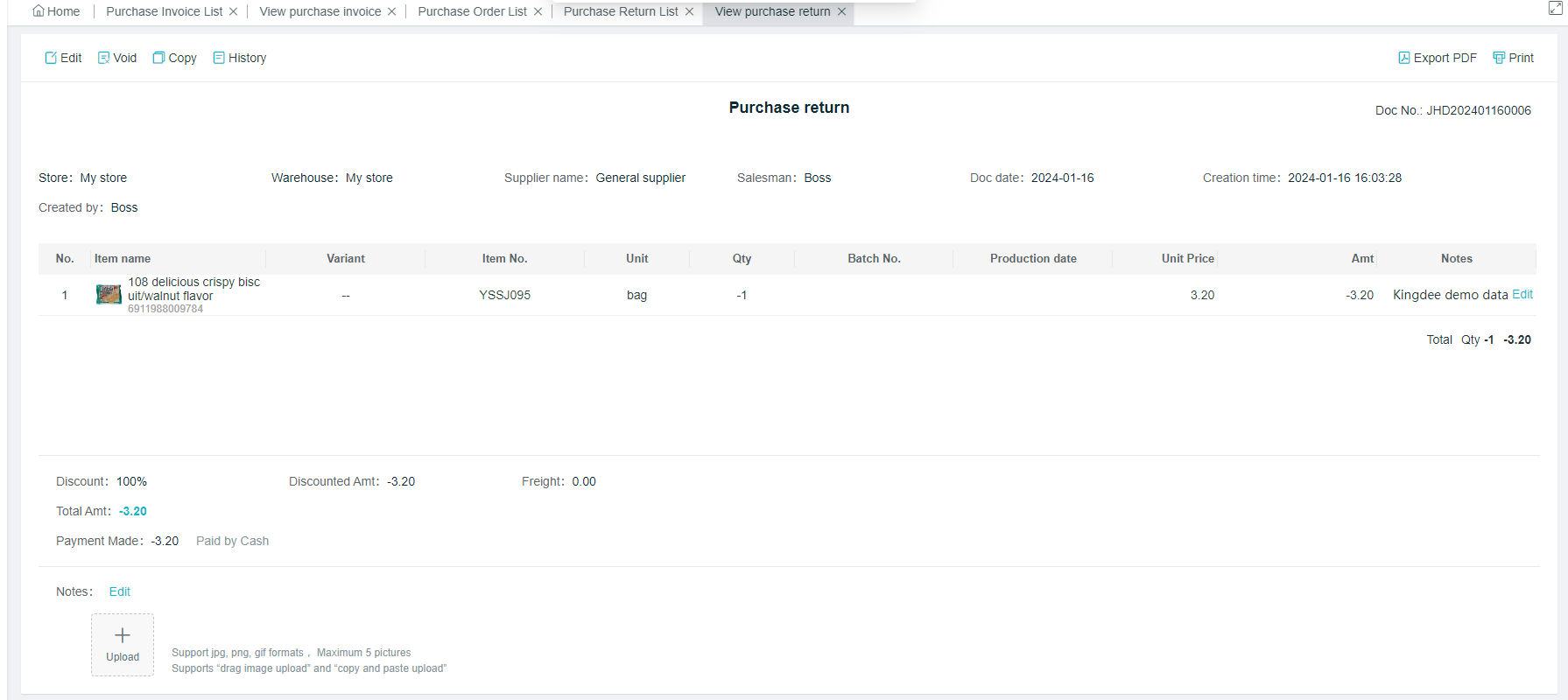
- [Void]: Click on “ Void” to Void the Purchase and Return Orders;
- [Void and Copy]: Void the current Purchase and Return Order, and copy an Order to edit again.
- Note: The Void document needs to be canceled together with the associated payment