Customize Header on Sales Invoice
آخر تعديل 28 فبراير 2024
Increase or decrease business according to sales demands, and optimize the billing process.
Instructions
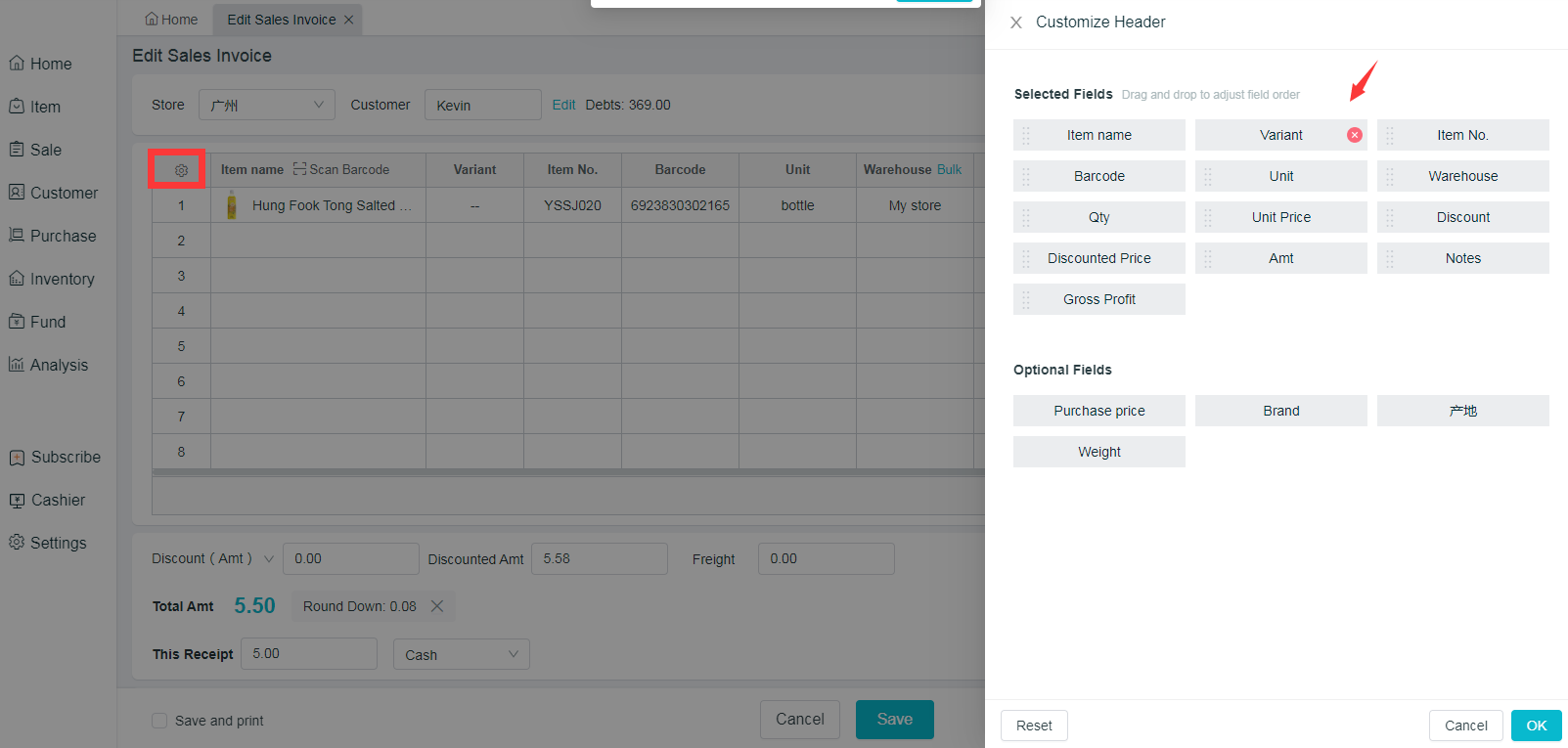
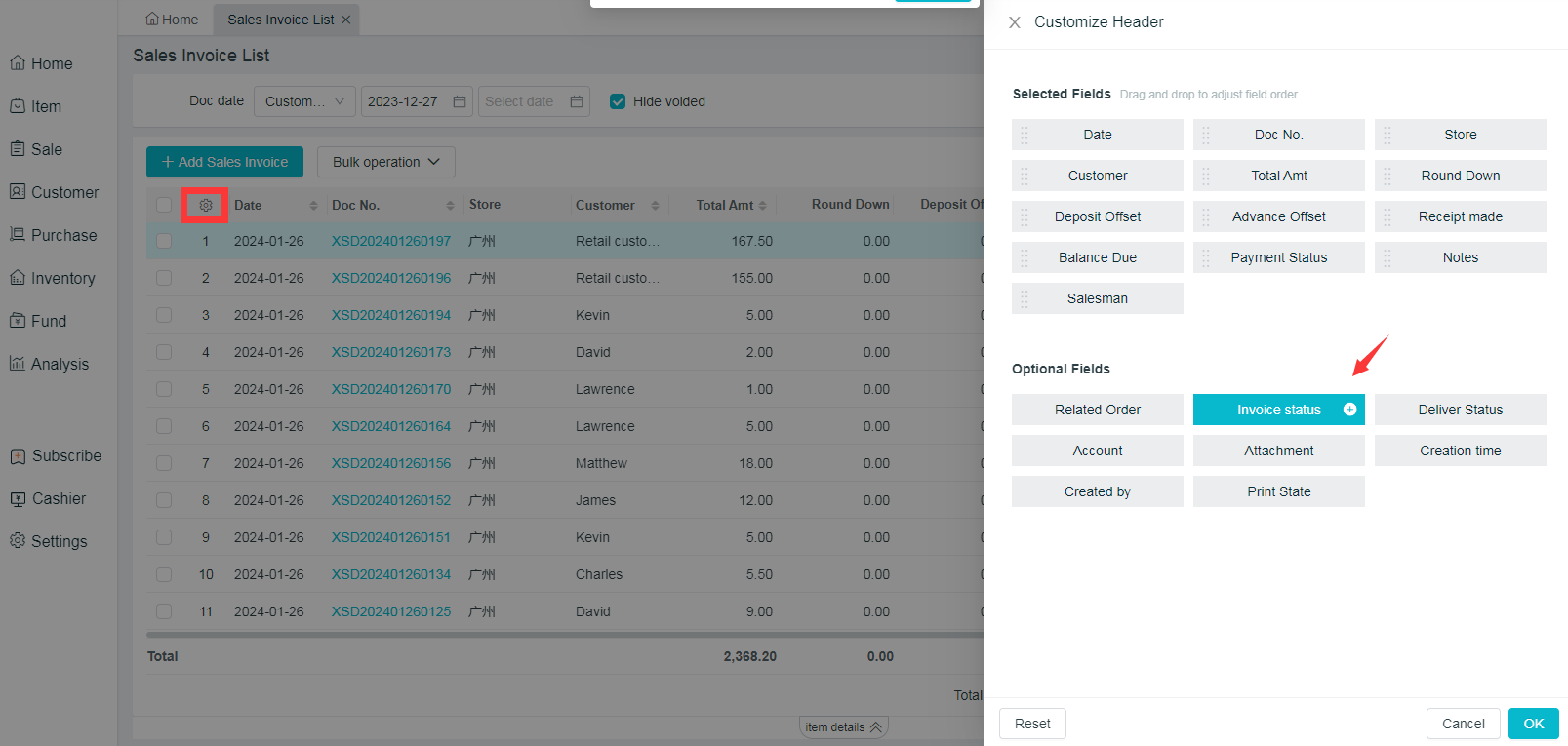
Customized header consists of two parts: Selected Fields and Optional Fields. Click on "+" to add selected fields, or "x" to close the selected; drag and drop to adjust the fields order, which is easy to use.
- Sale > Sales Invoice > Add/Edit Sales Invoice, Sales Invoice List >
 at the top right corner of the form