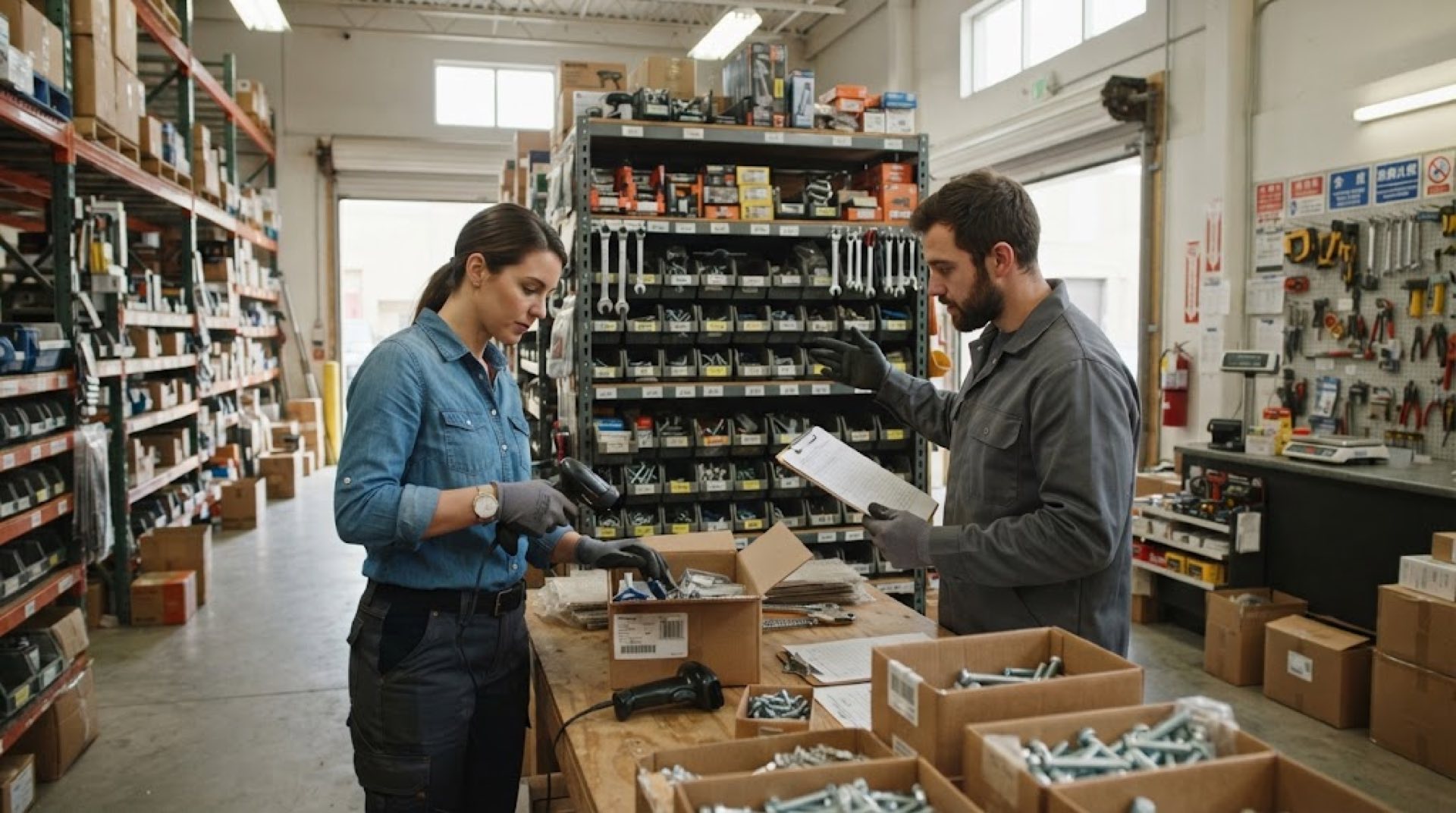
A wholesale merchant running a shop on Sampeng Lane in Bangkok has over 200 SKUs in the warehouse, each with different packaging specs. Purchase orders come in Chinese, but the Thai warehouse staff cannot read them. During receiving, Model A cables get logged as Model B. At month-end count, the ledger is about five percent off from what is actually on the shelf. This is not poor management. It is a broken chain between language and tools.
If you are searching for inventory software with barcode scanner support, you might think what you need is a scanning feature. What you actually need is something simpler: the person in the warehouse, the person at the counter, and the person behind the computer should all be looking at the same numbers.
What Barcode Inventory Software Can and Cannot Fix
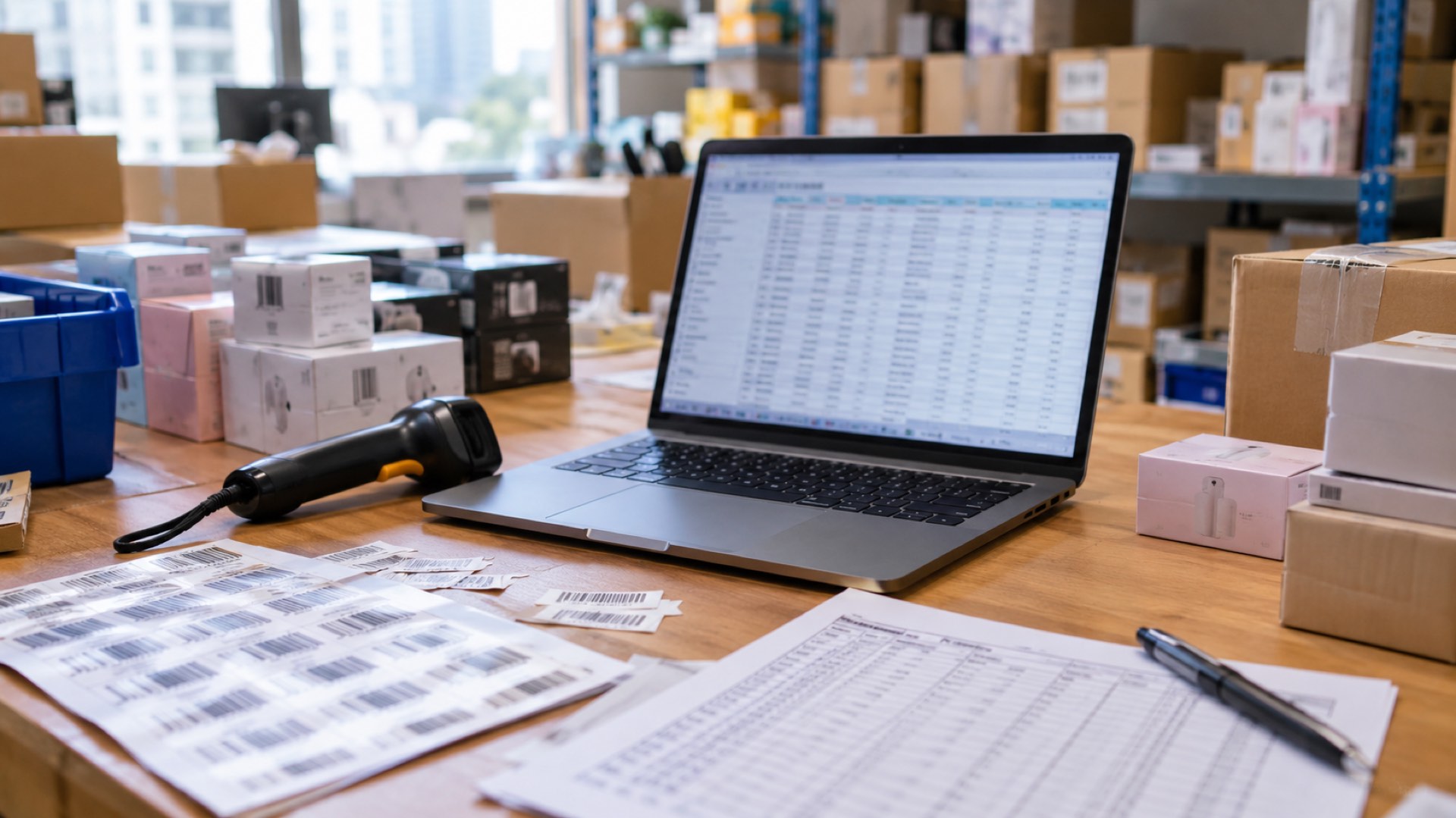
A barcode is just an identifier. Its real value comes from replacing human-eye counting and handwritten notes with a single scan that the system recognizes. For a small wholesaler starting at 50 SKUs, this shift means a few measurable changes:
- No more lining up purchase orders against physical goods at receiving. Scan the barcode, and the system pulls up the product name, spec, purchase price, and expected quantity.
- No more manually checking stock levels before dispatch. Scan and the system deducts current inventory, alerting you if stock falls below the reorder line.
- No more two people with notebooks spending half a day on stocktake. One person walks the floor with a scanner, and the system generates the variance report automatically.
But a barcode cannot fix multilingual collaboration on its own. If the system interface is only in English and the warehouse worker speaks Thai or Chinese, the product name they see after scanning is still wrong. Reordering decisions still depend on the boss telling them verbally. This is why many merchants adopt barcodes and feel nothing changed — they solved product identification but not team communication.
Three Common Mistakes Small Merchants Make When Choosing Software
Mistake One: Buying the Scanner Before the Software
A scanner is just an input device. What determines what you see and what you can do after scanning is the software behind it. Many merchants spend thousands on a high-precision scanner only to find it connects to a bare-bones system that records nothing but inbound and outbound quantities — no purchase orders, no multi-warehouse, no multi-currency, no reports. Decide what your business workflow needs first, then pick a compatible scanning device. The order matters.
Mistake Two: Excel Plus a Barcode Plugin Is Enough
Excel can hold an SKU list, and VLOOKUP can match barcodes. But it cannot handle version conflicts when multiple people enter data simultaneously, real-time inventory deduction after scanning, automatic low-stock alerts, or transfer records across stores or warehouses. Once you cross 200 SKUs, 50 daily shipments, or two or more people managing stock, Excel maintenance costs more time than it saves.
Mistake Three: More Features Mean Better Software
Some systems bundle ecommerce platforms, logistics tracking, membership management, and even a full finance suite. For a three-to-five-person wholesale team, most of those features will never get used, yet they add to the learning curve and implementation cost. What you need is to get purchasing, receiving, inventory, sales, and reconciliation working smoothly. Everything else can wait until the business grows.
From Zero to One: Building a Barcode Inventory System That Actually Works
Step One: Clean Up Your SKU List
Before importing anything into a system, you need a clean SKU master table. Each record should include at minimum: product name (bilingual Chinese-English recommended), spec and model, barcode (EAN-69 or self-generated), unit, reference purchase price, and safety stock level. If the same product comes in different packaging — say by the box and by the piece — split them into two SKUs. Do not merge. The time you spend here determines scanning accuracy downstream.
Step Two: Choose a System That Supports Multiple Languages
If your warehouse has foreign staff, or if your purchase orders come from domestic suppliers while you sell locally, interface language becomes a hard operational requirement. The boss reads Chinese or English, the warehouse manager reads Thai or Spanish, the sales team reads Arabic — the same document, each person seeing their own language. Ailit is an AI-powered intelligent inventory software for SMEs, built by Kingdee — a Hong Kong main board-listed, world-leading SaaS company. Ailit supports English, Simplified Chinese, Traditional Chinese, Spanish, Portuguese, Arabic, Thai, and more languages, serving merchants in more than 130 countries and regions. Its one-click language switching lets the same system work seamlessly across a multilingual team.
Step Three: Set Reorder Lines and Purchasing Workflows
Give every SKU a safety stock level in the system. When inventory drops below that line, the system auto-generates a purchase recommendation. For overseas Chinese merchants sourcing from China, this step is especially critical — orders typically take two to three weeks to arrive, and by the time you notice a stockout, it is already too late. Ailit supports settlement in 154 currencies with 170+ exchange rate settings. Purchases are recorded in RMB, sales in local currency, and the exchange rate difference is clear at a glance.
Step Four: Run One Full Cycle — Purchase, Receive, Stock, Sell
Before going live, do a full walkthrough with 20 to 30 SKUs: create a purchase order, scan to receive, confirm stock-in, create a sales order, scan to ship, generate an inventory report. You will find the break points — perhaps a product category with no barcode in the system, or warehouse and sales data out of sync. Finding problems at small scale is far cheaper than discovering them after full rollout.
Barcode Inventory Software: Selection Checklist
| Evaluation criteria | What to ask | Why it matters |
|---|---|---|
| Barcode support | Can it scan EAN-69, Code 128, and QR codes? Can you build your own barcode database? | Determines whether you can use off-the-shelf scanners or need to relabel everything |
| Multilingual | Do the interface, documents, and reports support language switching? | Directly impacts how fast foreign staff learn and how many mistakes they make |
| Multi-currency | Does it support multi-currency settlement and exchange rate settings? | A real-world requirement for cross-border sourcing merchants |
| Multi-store and multi-warehouse | Can it manage transfers between warehouses or stores? | The first hurdle when the business grows |
| Learning curve | How long before a new employee can create orders independently? | Small teams cannot afford long training cycles |
| Implementation cost | Does it require IT staff to deploy? Does the annual fee include support? | Budget is not the only question — the real question is who can learn it before Monday morning |
FAQ
How much should a small wholesaler spend on barcode scanning equipment?
Basic USB or Bluetooth scanners cost between a few dozen to a few hundred RMB and are sufficient for daily scanning. Industrial-grade equipment is unnecessary unless your warehouse environment is extreme. The real cost is not the hardware but whether the software supports the full business workflow after scanning — purchasing, stock-in, stock-out, stocktake, and reporting.
If staff cannot read Chinese at all, is a multilingual system really useful?
Yes. The key is whether the system maintains a consistent data structure across languages. The same SKU shows as "Huawei charging cable Type-C" in Chinese and "สายชารจ่าก Huawei Type-C" in Thai, both pointing to the same inventory record. Ailit's intelligent inventory system supports seven languages for documents and interface switching, ensuring staff in different languages see the same data.
How long does it take to migrate from Excel to inventory software?
For merchants with under 500 SKUs, data cleaning and import typically takes one to two days. If you have over 2,000 SKUs, import in batches — start with core categories and fill in the rest. The whole team goes from learning the system to creating orders independently in about a week.
Which is better for small wholesalers: barcode scanning or RFID?
Barcode. RFID excels at contactless bulk reading and suits large warehouse environments, but tag costs and equipment investment far exceed small merchant budgets. For most wholesalers generating millions to tens of millions in annual revenue, barcode scanning already covers the core scenarios of receiving, shipping, and stocktake.