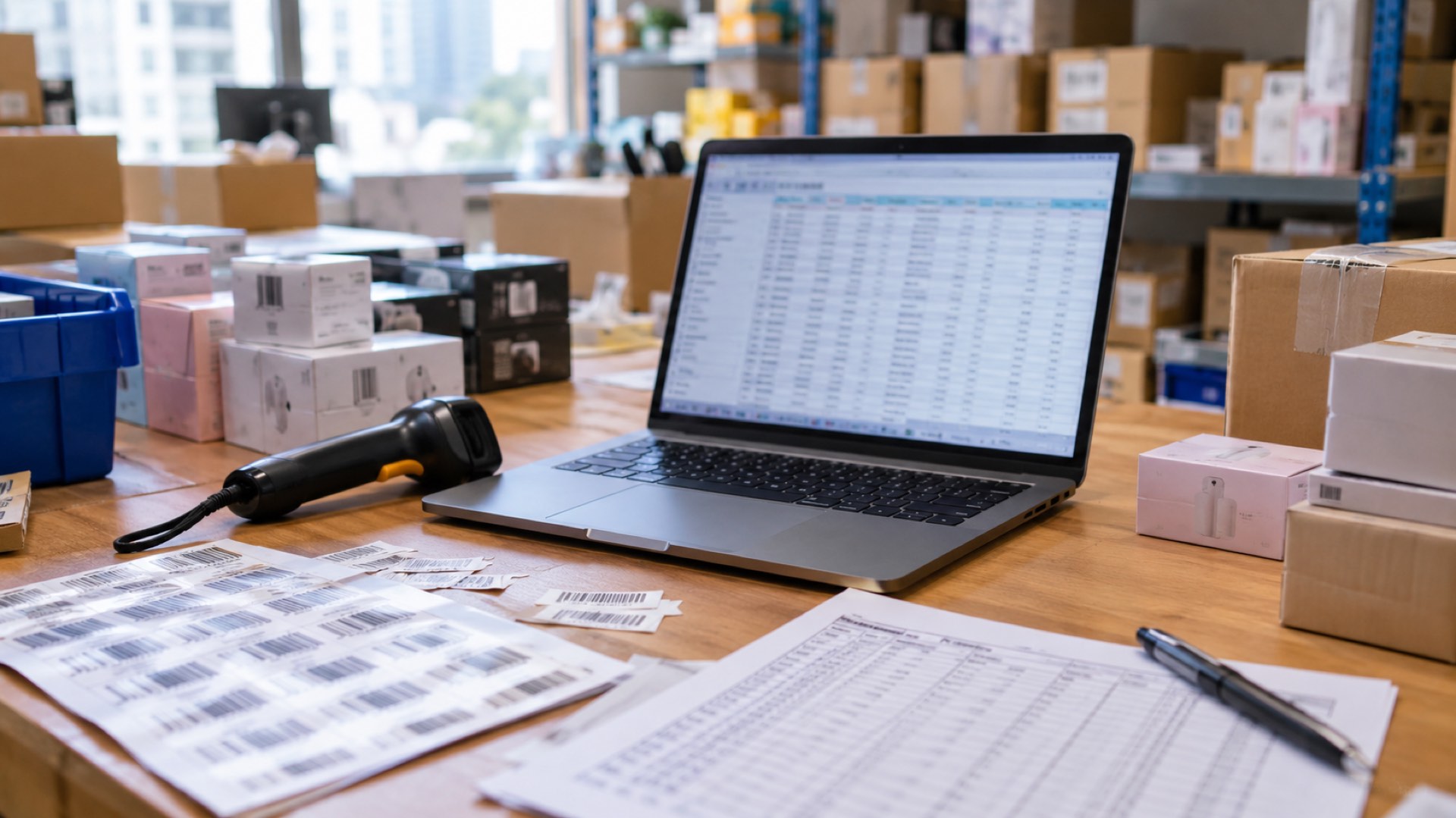
The thought of an inventory software setup can be daunting, but with a structured approach, it can be a smooth transition. This guide is for small businesses getting started with inventory and moving away from manual methods.

Phase 1: Preparation
- Clean up your existing data (product lists, suppliers, initial stock counts).
- Define your storage locations (shelves, bins, warehouses).
Phase 2: Configuration
- Import your cleaned product data into the new system.
- Set up user roles and permissions for your team.
- Configure integration with your accounting and sales platforms.
Phase 3: Go-Live
- Perform a final physical count and enter the initial stock levels.
- Train your team on the new processes (receiving, selling, transferring).
- Monitor the system closely for the first week to catch any configuration issues. A successful inventory software setup is all about preparation and training.