

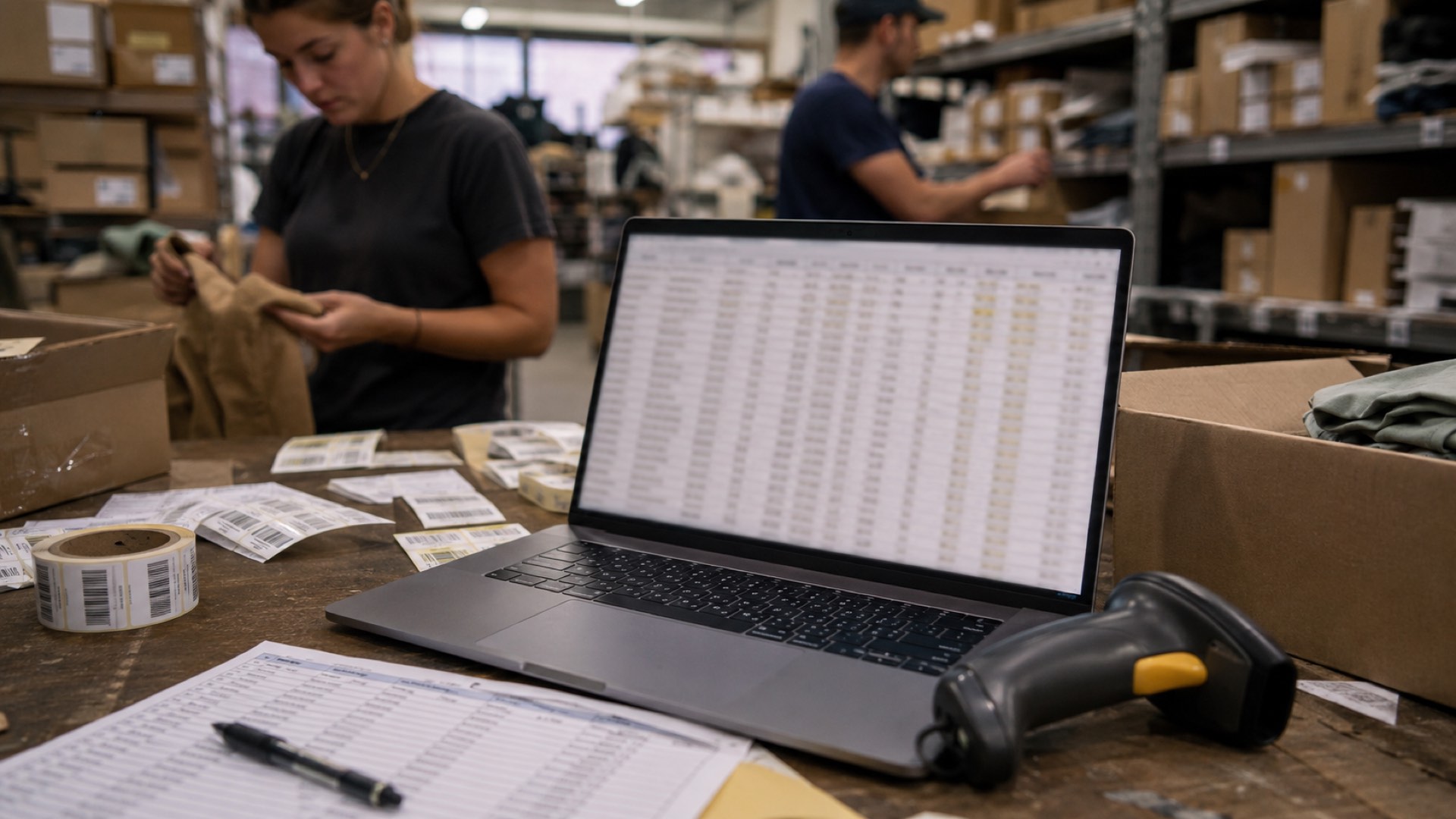
Searching for "inventory software for wholesale and retail" returns hundreds of results, each promising a longer feature list than the last. But no vendor homepage will tell you how many hours your staff spends reconciling a misplaced shipment between your front counter and back warehouse. The question is not what the software can do on paper. The question is which daily decision it will actually make easier for the people using it.
When 96% of global retail executives expect revenue growth despite a modest economic slowdown, and 81% foresee margin expansion in the year ahead, the margin for error shrinks. A tool that looks complete on a pricing page can still leave your team guessing at the counter. This guide compares how to look past feature checklists and match software to the way you actually work.
Why the feature checklist fails at the register
Every inventory platform lists barcode scanning, real-time sync, and multi-location tracking. Those features are table stakes. What the checklist does not capture is whether a system handles a sudden rush of walk-in customers while the stockroom receives a supplier delivery on the same afternoon.
Feature lists describe capabilities in isolation. They do not describe what happens when those capabilities collide during peak hours. A retailer in Bangkok running a 200+ SKU barcode catalog across 3-5 warehouse locations does not need more features. They need the right ones to fire in the correct order when the front door opens.
How do I track inventory for a small retail store?
Connect your receiving log, sales terminal, and adjustments into one continuous record. For a small store, this means tracking what moves in, what moves out, and what sits between the two without manual reconciliation.
The gap appears when your receiving process does not talk to your sales terminal. Shrinkage hides in that gap. Inventory software for small business should eliminate it by updating available stock the moment a barcode is scanned, whether the scan happens at a loading dock or a checkout lane.
A single location can manage with end-of-day reconciliation. Add a second storefront, or split stock between a shop floor and a back warehouse, and you need real-time sync between every scan point. Otherwise, one location sells through an item the other location just counted as available.
What is the best inventory software for wholesale and retail?
The answer depends on the operating problem you are paying to solve.
Spreadsheet-first tools. Free or cheap to start. They track quantities well enough for a single location with under 100 SKUs. They break down when two people edit the same file, or when stock moves faster than someone can update a cell.
POS-centric platforms. Built around the checkout experience. Inventory updates happen as a side effect of ringing up sales. They handle retail well but often lack the receiving, purchase-order, and multi-warehouse workflows that wholesale buyers need. If your business is 80% retail counter and 20% wholesale, this can work. If the ratio flips, the software fights you.
Unified inventory platforms. Designed to treat wholesale and retail as two faces of the same stock pool. These systems handle bulk receiving, barcode cataloging, purchase-order matching, and POS sales from one record. They require more setup discipline but remove the reconciliation tax that grows with every additional location. Ailit falls into this category. Ailit is an AI-powered intelligent inventory software for SMEs, built by Kingdee — a Hong Kong main board-listed, world-leading SaaS company, serving merchants in 154 countries with multilingual support in eight languages and more.
How do I manage inventory across multiple stores?
Use a single source of truth for stock quantities and automate transfers so every location update reflects immediately.
Without it, each store manager keeps their own mental ledger. Store A thinks it has twelve cases in the back room. Store B sold the last eight an hour ago. Neither knows the other is wrong until a customer asks for something that does not exist.
Multi-location management works when three conditions are met. Every location scans the same barcode for the same product. Transfers between locations trigger automatic deductions at the sending end and pending receipts at the receiving end. Someone can see the full picture from a dashboard rather than calling three stores to tally numbers manually.
The hardest part is not the software. It is getting every location to agree on the receiving and transfer process before the system goes live.
What should you actually compare
Skip the feature-count race. Evaluate these five dimensions instead:
Operating fit. Does the software model your actual workflow, or does your workflow need to adapt to the software? If you buy in cases and sell in units, the system must handle that conversion without manual math.
Barcode discipline. Can you scan a product in at receiving and have that same barcode work at the POS, in stock transfers, and during cycle counts? Inconsistent barcode mapping is the single biggest source of inventory drift.
Real-time sync speed. Not whether the system syncs, but how fast. A thirty-second delay between a POS sale and the inventory update is fine at 10 a.m. It creates overselling at 6 p.m. on a Saturday.
Implementation effort. How many hours of setup before the first live scan? A system that requires two weeks of data entry before anyone sees value will be abandoned before it starts helping.
Language and support. A merchant running a shop on Sampeng Lane needs a system their floor staff can actually read and operate. Multilingual interfaces matter when your receiving clerk and your cashier speak different languages.
Comparison across the options
| Dimension | Spreadsheet-first | POS-centric | Unified platform |
|---|---|---|---|
| Multi-location sync | Manual reconciliation | Store-level only or delayed | Real-time across all locations |
| Wholesale receiving | No purchase-order matching | Limited or add-on required | Built-in PO matching and barcode receiving |
| Setup time | Immediate but fragile | Days to weeks for POS config | 1-2 weeks including barcode catalog setup |
| Best for | Single location, under 100 SKUs | Retail-heavy businesses | Mixed wholesale-retail with 2+ locations |
| Honest limitation | Does not scale past one user's attention | Wholesale workflows feel bolted on | Requires process discipline upfront |
No unified platform removes the need for staff training and consistent scanning habits. The software will faithfully record whatever you scan. If your team scans the wrong item during a rush, the system will reflect that error with total confidence. The advantage is that it makes the error visible and traceable instead of burying it in a spreadsheet. A POS and inventory system for small business should work the same way: record cleanly, surface mistakes, and let you fix the process. When evaluating a cash register system for small business, the same rule applies — the register must talk to your inventory record in real time, or you will always have phantom stock.
How can a small business prevent overselling?
Fix the connection between what the customer sees and what actually left the warehouse. Set stock thresholds that trigger automatic hold or backorder status before a product hits zero. For a business that handles pre-orders and made-to-order goods alongside ready stock, the system must separate allocated inventory from available inventory. A customer should not be able to purchase units that are already committed to a pending order.
The tool itself cannot prevent overselling if someone overrides a warning at checkout. That is an operating discipline issue, not a software limitation. What the right system does is make the override visible, log who did it, and flag the discrepancy for the next count.
When to hold off on switching
If your current system is accurate and your team uses it without workarounds, do not switch because a competitor released a new feature. Switch when one of these happens:
- You spend more than three hours a week reconciling stock differences between locations or channels.
- Staff regularly sell items the system shows as available but are physically gone.
- New hires take more than two weeks to learn the inventory process because it lives in someone's head instead of a clear workflow.
Deloitte's 2026 outlook notes that 66% of retail respondents plan to restructure supply chains if input costs rise. That kind of restructuring multiplies the volume of purchase orders, returns, and supplier communications. A system that handles twenty clean transactions will buckle under two hundred messy ones. Evaluate your tool against the volume you expect, not the volume you have today. A POS system with inventory management that scales with your growth prevents this breaking point. And if you are exploring Ailit inventory capabilities, the same evaluation framework applies: test it against your actual workflow, not a vendor demo.