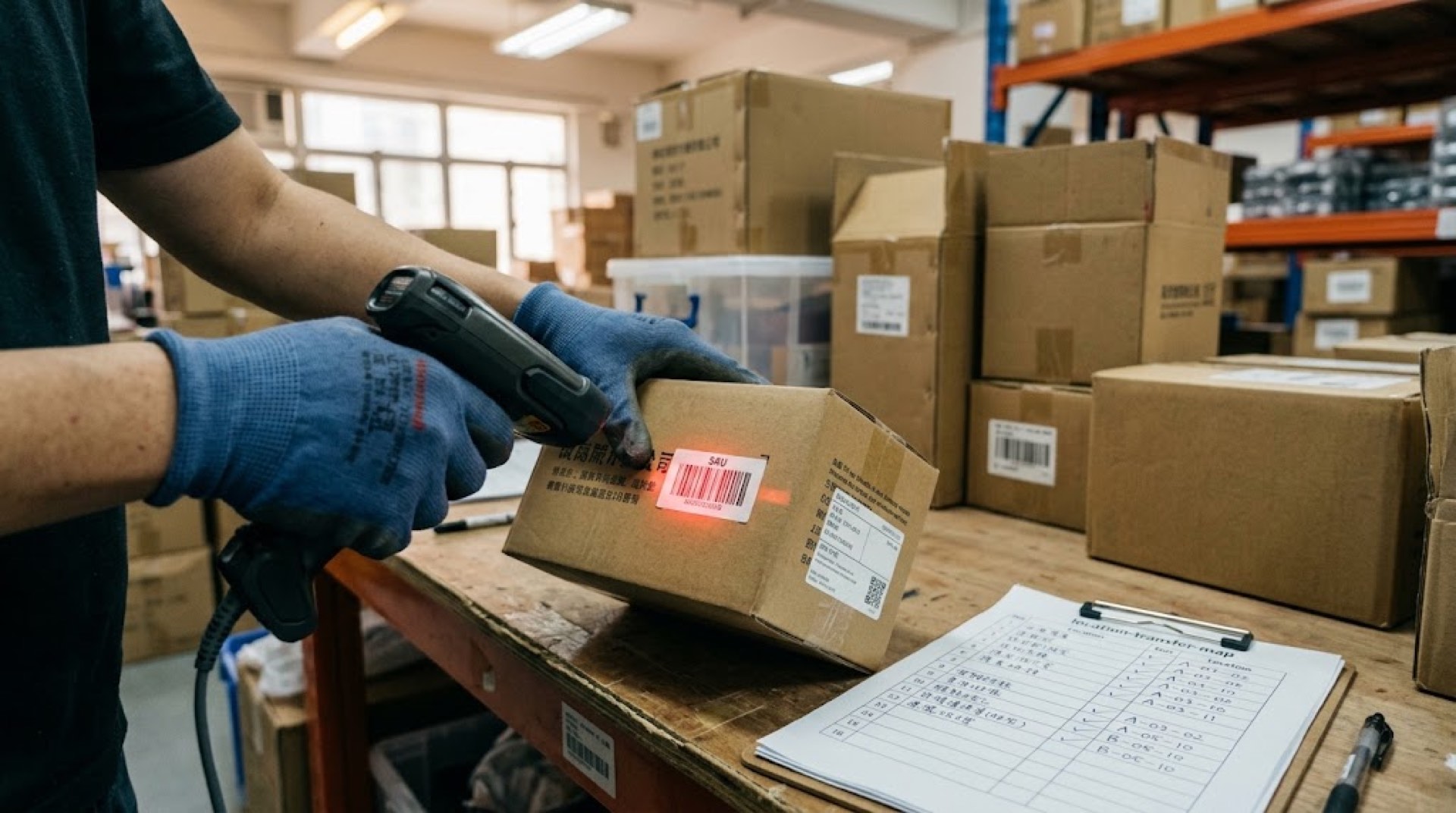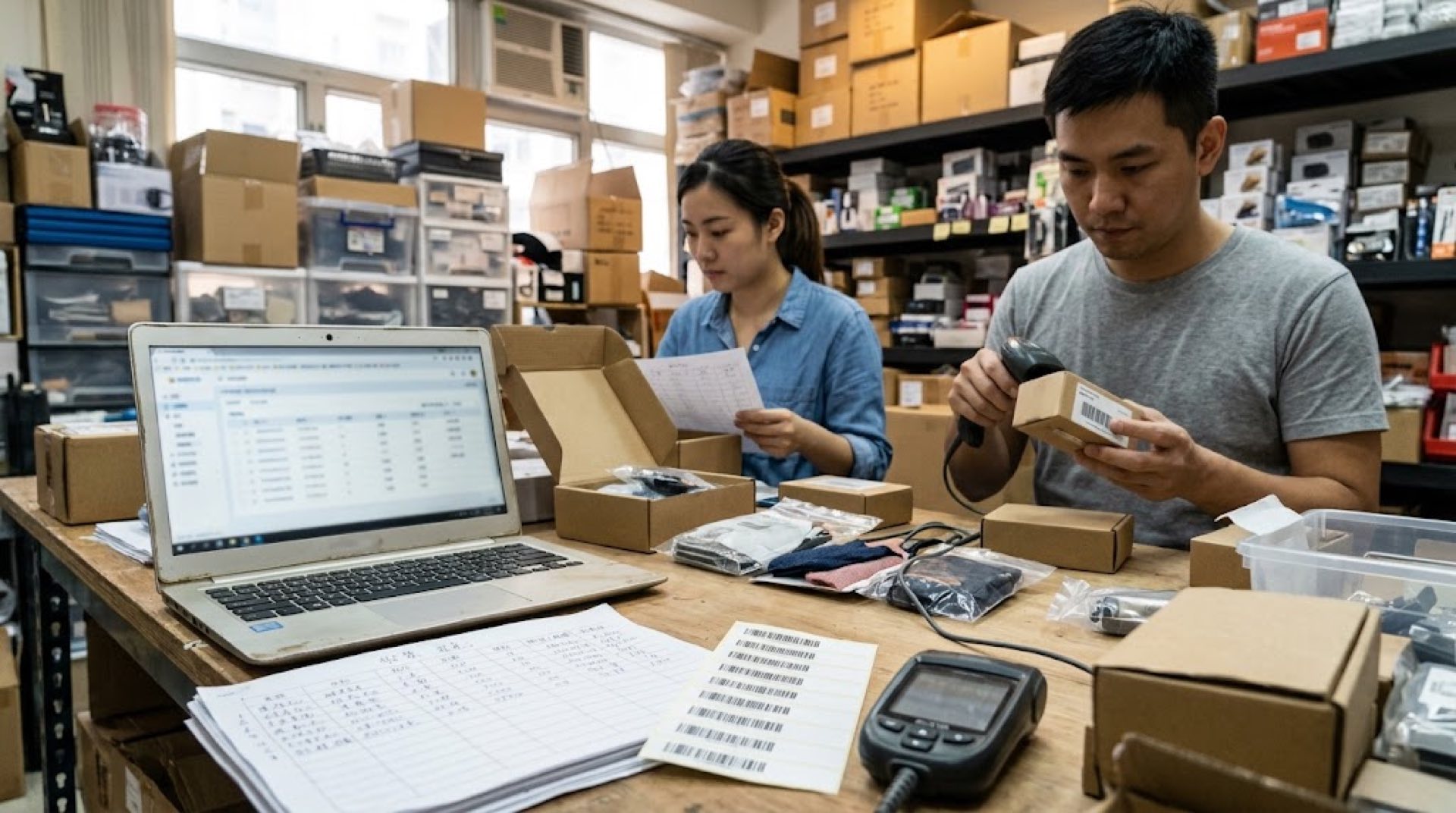
Many small wholesale and retail merchants start managing inventory with a simple Excel spreadsheet. Log one row for each purchase, subtract when items sell, count stock at month-end, and if the numbers balance, everything feels fine. But when your SKU count crosses 200, procurement and sales span multiple languages, and you are running operations across several locations simultaneously, the cracks in that spreadsheet start showing one by one: overselling, wrong orders, accounts that do not reconcile. When is it time to switch? The answer is not a single date — it is a set of signals.
Key takeaways:
- Signal one: when inventory discrepancies cannot be traced, your spreadsheet's recording capability is no longer sufficient
- Signal two: when restocking decisions rely entirely on memory rather than data, cost leakage is growing steadily
- Signal three: when an intelligent inventory system pays for itself within a month or two, delay itself becomes the largest cost
When Does a Spreadsheet Go From Manageable to Uncontrollable?
Direct answer: A spreadsheet works perfectly fine when you manage fewer than 100 SKUs, operate solo, and work from a single location. Beyond that boundary, manual tracking errors grow exponentially.
Mr. Chen runs a wholesalecleaning products distribution business in North Jakarta. He started with one spreadsheet to manage stock: purchase prices in column B, inventory quantities in column C, and an occasional SUMIF to calculate totals. Three or five categories, a few dozen SKUs, buying and selling all by himself — the spreadsheet was enough.
The problems started after he hired his first local employee and opened a second sales counter. The employee could not read Chinese column headers, stock between the two locations was synced through WeChat messages, purchases were settled in RMB while sales came in Indonesian rupiah, and exchange rate fluctuations ate into margins without anyone noticing. The spreadsheet itself had not deteriorated, but the dimensions of information it needed to carry had exceeded what a single sheet could handle.
The breaking point came one day when a batch of goods had clearly sold out, yet the spreadsheet still showed stock remaining. At month-end reconciliation, the total purchase value and total sales value differed by nearly eight percent. These were not careless mistakes — they were inherent limitations of the tool. Excel does not automatically deduct inventory, does not remind you about expiring products, does not lock conflicts when multiple people edit simultaneously, and certainly cannot synchronize numbers across two locations in real time.
How Supply Chain Fragmentation Is Shrinking the Spreadsheet's Usable Range?
Direct answer: Over the past decade, three structural changes in how small merchants operate have compressed the boundaries of what a spreadsheet can handle.
The first change is supply chain fragmentation. A single order used to come from one supplier, enter one warehouse, and sell out before reordering. Now the same order might split across three suppliers, ship on two logistics routes, and arrive at two warehouses. Each split means another manual entry, another chance for something to go wrong. McKinsey's 2024 survey on Southeast Asian SMB supply chains found that among small merchants using multi-channel procurement, 63 percent had experienced overselling or stockouts caused by information misalignment.
The second change is cross-language teams. Overseas Chinese merchants typically manage stock in Chinese, but counter staff, warehouse operators, and local customers may communicate in English, Spanish, or Thai. Column headers are in Chinese, invoices are in Chinese, and new employee training costs climb rapidly. A Chinese quotation sheet sent to a Middle Eastern client requires someone to translate it before quantities and prices can even be confirmed.
The third change is diversified sales channels. Physical counters, online stores, and social media orders all happen simultaneously, and the same product might be sold on three channels at once. The static nature of a spreadsheet means it cannot handle this concurrency. It records the state at the moment of entry, but does not track what happened after.
When Should You Switch to an Inventory Management System?
Direct answer: When at least two of the following three signals are present, the cost of switching is already lower than the hidden costs of continuing with a spreadsheet.
Signal one: inventory discrepancies with no traceable source. The numbers on paper do not match what is on the shelf, but you cannot pinpoint which transaction caused the difference. During manual bookkeeping, a single miscopied digit or one missed stock-in/stock-out entry creates the gap. By the time you discover it at month-end inventory count, it is already too late to trace.
Signal two: restocking based purely on gut feel. When to reorder, how much to order, and which supplier to use are decisions driven entirely by the owner's memory and experience. Experience matters, but it cannot remember each SKU's sales fluctuations over the past three months, seasonal patterns, and supplier lead times. Over-ordering ties up capital and warehouse space; under-ordering misses sales opportunities.
Signal three: ongoing expiry losses. A significant portion of convenience store and small retail inventory carries expiration dates: personal care products, batteries, stationery, and cleaning supplies all have clear validity periods. Without system alerts, relying on staff memory or periodic checks makes it easy to miss items. Expired goods that are not promoted in time are pure loss.
What Products Should You Compare Before Switching?
Direct answer: Small merchants should focus on four capabilities when evaluating tools: real-time inventory tracking, expiration date management, intelligent reorder suggestions, and multi-language support.
Several inventory management tools on the market are worth considering for small to medium merchants:
| Software Platform | Primary Use Case | Key Strengths & Differentiation |
|---|---|---|
| Ailit (Smart Inventory International Edition) | Cross-border wholesale and retail, multi-currency operations | AI-powered inventory management, 7 language interfaces, 154 currency settlements, ready out of the box |
| Sortly | Small team asset and inventory tracking | Visual card interface, mobile-friendly, suitable for scenarios under 500 SKUs |
| inFlow Inventory | SMB wholesaler order and inventory management | Built-in purchase orders and packing slips, barcode scanning support |
| Zoho Inventory | E-commerce and multi-channel sales | Deep integration with Shopify and Amazon, ideal for online-first merchants |
| BoxHero | Warehouse and storefront inventory management | Clean interface, multi-warehouse transfer support, suitable for merchants with one or two fixed storage points |
When choosing, do not chase the most feature-rich option. Find the tool that covers your daily core scenarios at the lowest implementation cost. For a small merchant with one or two employees and no dedicated IT staff, a cloud-based system that works out of the box and requires no more than a day or two of training is the right starting point.
A Hypothetical Scenario: How to Transition From Spreadsheet to System?
Direct answer: Do not try to enter all products into the system at once. Start with your core product categories, validate the workflow, then expand gradually.
Imagine a Chinese-owned wholesale business in Bangkok dealing in hardware and building materials, with about 800 SKUs and four employees who use Chinese and Thai respectively. The owner decides to switch from a spreadsheet to an intelligent inventory system.
Step one: Start with the top 100 SKUs by sales volume (roughly 12% of the total). Run through the full purchase-sale-inventory workflow with these. They typically account for over 60% of revenue.
Step two: Maintain data accuracy. Log every purchase and sale promptly instead of backfilling later. Build the habit of a quick daily check before closing, ensuring system numbers match physical stock.
Step three: Use the system's expiration management features. Record batch numbers and expiry dates on goods receipt, and let the system push alerts before items approach their deadline. This enables you to arrange promotions or transfers before products expire, minimizing losses.
Step four: Enable intelligent reorder suggestions. The system analyzes sales data from the past three months and auto-generates reorder recommendations when stock falls below safety levels, reducing waste from gut-feel ordering.
The transition typically takes two to four weeks. During this period, run the spreadsheet and the system in parallel, reconcile differences daily, and only retire the spreadsheet once system data proves stable.
Frequently Asked Questions
Won't entering all products into a system take too much time?
Initial entry does require an investment, but it is a one-time effort. Modern inventory systems support batch import and barcode scanning, which is far faster than manual entry line by line. Once set up, daily operations only require scanning items during purchase and sale, taking just seconds per transaction.
Can older employees adapt to new software?
A well-designed inventory system follows a zero-training-onboarding principle. A clean interface, short operation paths, and mobile barcode scanning mean that even employees with no prior software experience can handle daily tasks within a day or two. Multi-language interfaces let staff from different language backgrounds work in the language they are most comfortable with.
Is a management system expensive for a small business?
For small merchants, a suitable monthly plan typically falls within a manageable range. The more important calculation is this: how much expiry loss does the system prevent, how many stockout losses does it avoid, and how much reconciliation time does it save. These savings often far exceed the cost of the system itself.
What happens to historical data when switching from Excel?
Excel spreadsheets can be exported as CSV files and batch-imported into an inventory system. Most platforms provide standard templates — you simply map your spreadsheet column names to the system fields. Data migration usually completes within an hour or two.
---