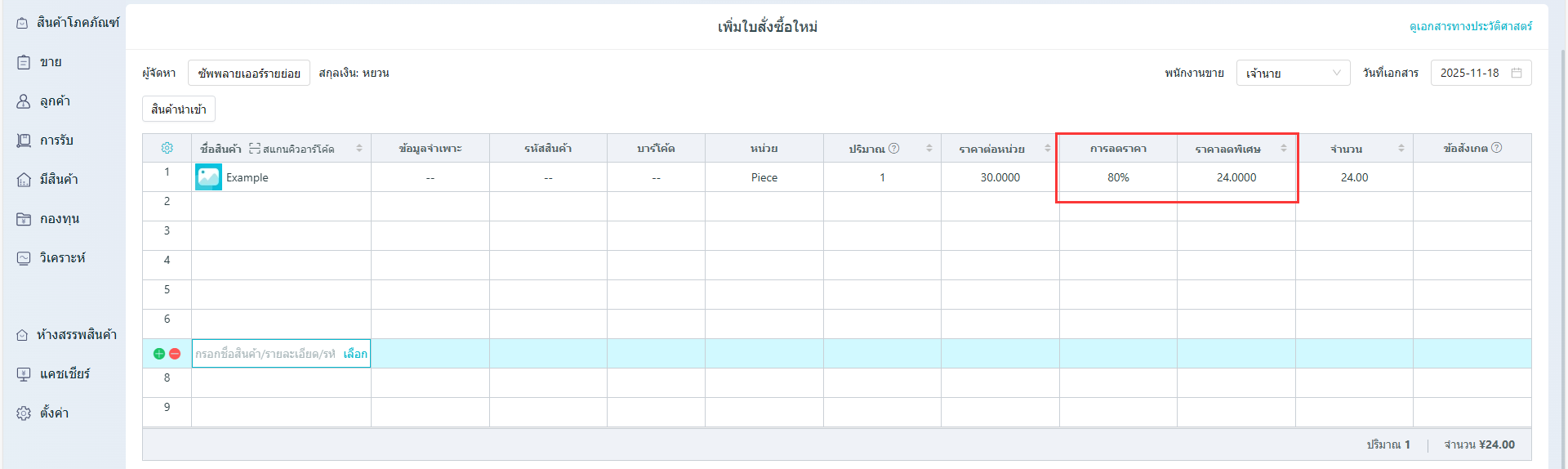
เปิดใช้งานการซื้อส่วนลดบรรทัดเดียวกวดวิชา
แก้ไขล่าสุด 2025-11-18
** เส้นทางการดำเนินงาน: **
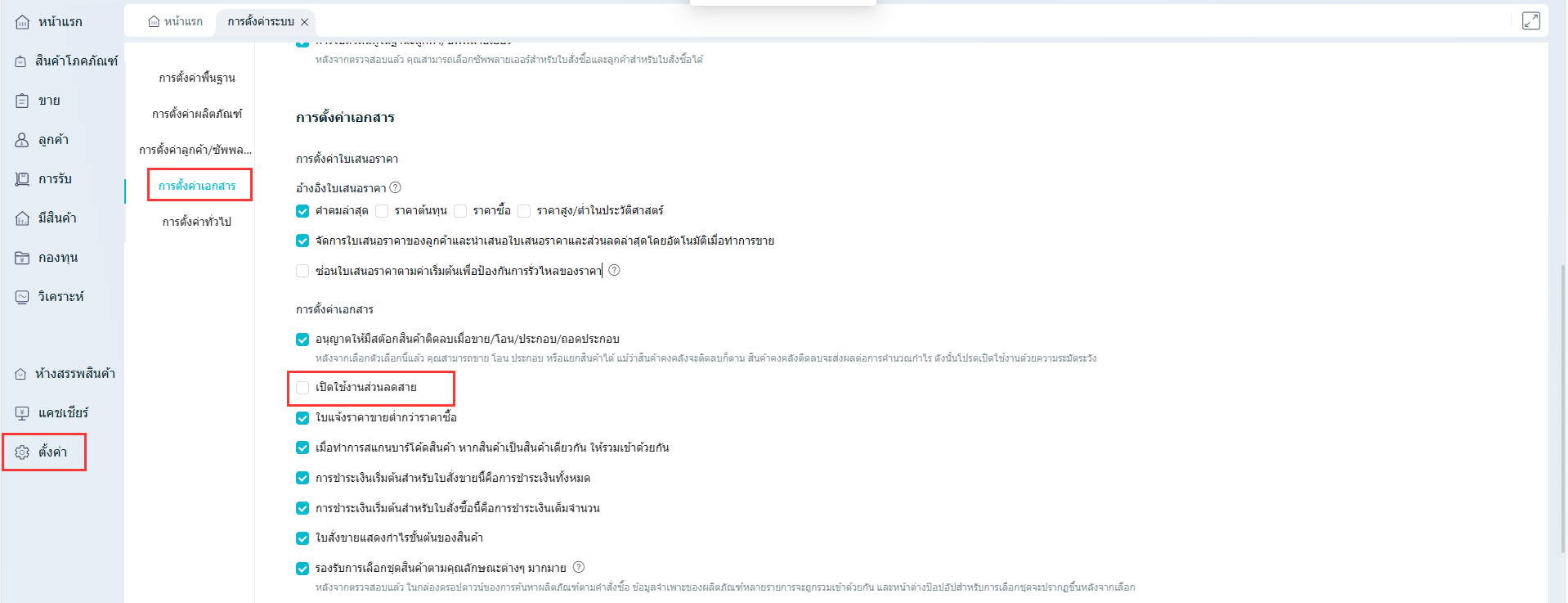
(1) การตั้งค่า - การตั้งค่าระบบ - ตรวจสอบ “เปิดใช้งานส่วนลดสายเดียว””
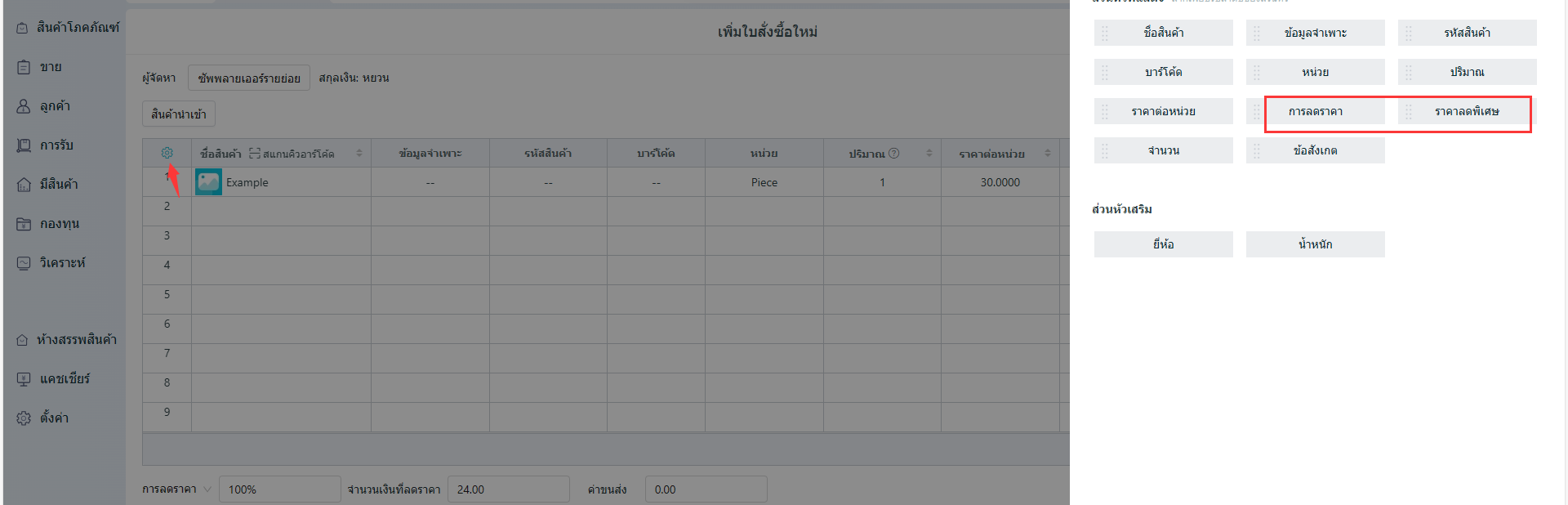
(2) การซื้อ - เพิ่มใบแจ้งหนี้การซื้อ - คลิกที่ปุ่ม "การตั้งค่า" ด้านซ้าย และเพิ่มส่วนลดและราคาลดลงในช่องที่แสดง จากนั้นคลิกที่ ยืนยัน
(3) สามารถป้อนอัตราส่วนลดสำหรับรายการแต่ละรายได้ในเวลาที่ออกใบแจ้งหนี้ซื้อ